
LegionBet Mobile App: Android APK and iOS Download Guide
If you do most of your spinning on a phone rather than a laptop, the mobile side of a casino matters more than anything on the desktop homepage. This independent review looks at how LegionBet delivers on mobile — the Android download, the iOS workaround, what actually works once you are logged in, and the trust issues you should weigh before you install anything.
Does LegionBet Have a Mobile App?
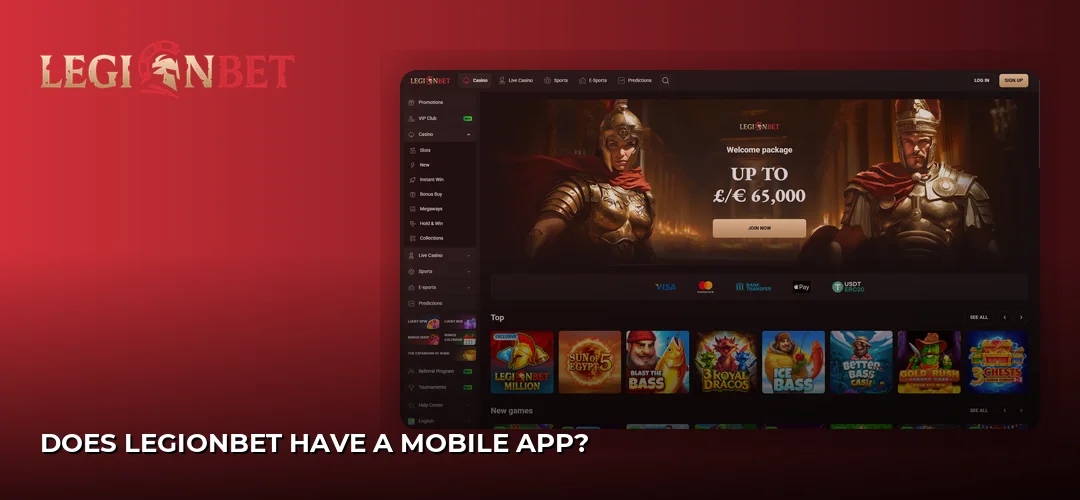
Yes — the operator offers an Android app that you install from an APK file hosted on its own site, plus a PWA (progressive web app) version that iPhone and iPad owners save to the home screen. There is no listing in the mainstream app marketplaces, so everything starts on the casino website itself.
It is worth flagging a genuine disagreement between sources here: the wagerpals review describes the LegionBet mobile product as browser-only PWA with no native iOS or Android app at all, while the operator’s UK-facing site advertises an Android app download alongside the iOS home-screen version. In practice that means what you end up with may look and behave very much like the mobile site in a standalone window — which is not a bad thing, since a PWA pulls the same game library, the same cashier and the same account tools without eating storage on your handset.
Whichever route you take, the account is identical. Login on the app uses the same email and password as the website, so there is no separate mobile registration step and no second set of credentials to remember. If you have not opened an account yet, the walkthrough lives here: LegionBet registration process.
Native App Versus the Mobile Browser Version
The practical difference between the two mobile routes on LegionBet is smaller than most players expect, because both are fed by the same platform. The Android build gives you an icon in your app drawer and a full-screen experience without the browser bar stealing vertical space. The PWA gives you an icon on your home screen and full-screen mode too, but it updates itself silently every time the operator changes something on the server, so you never chase a new version file.
What You Can Actually Do From a Phone
Because the mobile front end runs on the same platform as the desktop site, the feature list is close to complete rather than a stripped-back companion. From a handset you can:
- Log in with your existing email and password, or open a new account
- Deposit with Visa, Mastercard and Maestro, or tap through with Apple Pay and Google Pay
- Use iDEAL for deposits, bank transfer for larger movements, and crypto rails (Bitcoin, Ethereum, Litecoin, Dogecoin, USDT, TRON) as a secondary option
- Upload your KYC documents straight from the camera roll — a driving licence or passport for ID, a bank account statement or utility bill for UK residency, and an image of a credit/debit card or crypto wallet
- Claim promotions with codes and check wagering progress
- Reach support 24/7 through live chat or email — there is no telephone line to call
Apple Pay, Google Pay and iDEAL are deposit-only rails, so plan your cash-out route before you fund the account. The full breakdown of limits and timings sits here: LegionBet payment methods.
Device Compatibility
Any reasonably current Android phone or tablet that allows installs from outside an app store can run the APK, and any iPhone or iPad running Safari can save the PWA. Because the games are HTML5 and stream from the provider servers, the heavy lifting happens off-device — mid-range handsets handle slots comfortably, and live tables lean on your connection quality far more than on your chipset.
How Do I Download the LegionBet APK for Android?
You download it directly from the operator’s website, not from an app marketplace. Open LegionBet in your mobile browser, tap the Download App icon in the left sidebar, choose the Android link, allow your browser to install unknown apps, then open the downloaded file and confirm the install. Sign in with your existing credentials.
Step-by-Step Android Installation
- Open the LegionBet site in Chrome or your default Android browser. Start from the casino’s own domain — an APK grabbed from a random mirror is not the operator’s file and nobody can vouch for what is inside it.
- Tap the Download App icon on the left sidebar and select the Android option. The APK download begins in your notification tray.
- When Android warns you that this file type can harm your device, allow the download to finish. This warning appears for every APK, sideloaded or not.
- Go to Settings, then Apps, then find the browser you used and enable Install unknown apps for that specific app. Grant it to the browser only, not system-wide.
- Open the downloaded file from your notifications or the Downloads folder and tap Install.
- Launch the app and sign in with the same email and password you use on the website. If you are new, register inside the app — it is the same form.
- Go back into Settings and switch the Install unknown apps permission off again. You only need it for the moment of installation.
Is the LegionBet APK Safe to Install?
Two separate questions hide inside that one. Technically, an APK taken from the operator’s own domain over HTTPS is the same file the casino publishes, and the permissions a casino app requests are modest — storage access so you can upload verification documents and save screenshots, camera access if you photograph your ID rather than picking it from the gallery, and network access. Anything asking for contacts, SMS or call logs would be out of place; decline it and stop.
The bigger question is who stands behind the software. LegionBet launched in 2025 and is operated by Amo Global S.R.L. out of Costa Rica. Sources report only a Costa Rica corporate registration, and Casino Guru records no valid gambling licence, a Safety Index of 2.4/10 and 14,478 black points. There is no UK Gambling Commission licence, which means no UKGC dispute pathway, no IBAS ADR escalation and no Financial Ombudsman jurisdiction if something goes wrong with your balance. The same operator also runs HadesBet, Slot Lair, Winorio, Betrolla, Lucky Wave, Hidden Jack and Amonbet. Install the app if you want to — but treat the money you put through it as money outside the UK consumer-protection net. The wider picture is set out here: Home.
Is There a LegionBet App for iPhone and iPad?
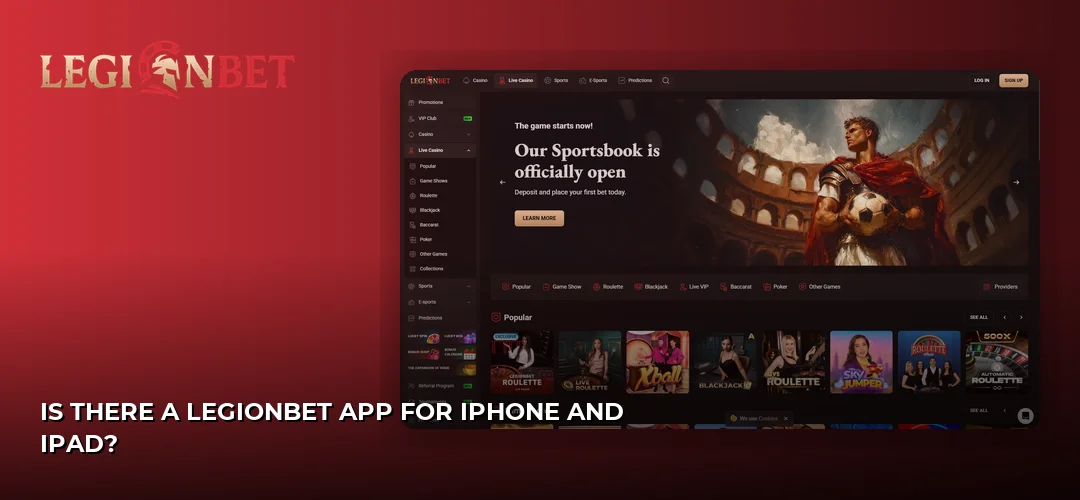
There is no marketplace download for iOS. Instead, iPhone and iPad users open the casino in Safari, tap the share button and choose Add to Home Screen. That saves the PWA version as an icon that opens full screen, without the address bar, and behaves like an installed app for day-to-day play.
The upside of this route is that it sidesteps the whole sideloading question — nothing bypasses iOS security, no configuration profile is involved, and you can delete the icon in one long press if you change your mind. The trade-off is that a PWA needs a live connection for everything; there is no offline mode and no local game cache to fall back on. Your existing login works immediately, and the cashier, verification uploads and live chat all open inside the same window. Any iPhone or iPad running a current version of Safari will handle it, and the interface scales to tablet width rather than stretching a phone layout.
What Can You Play in the LegionBet Casino App?
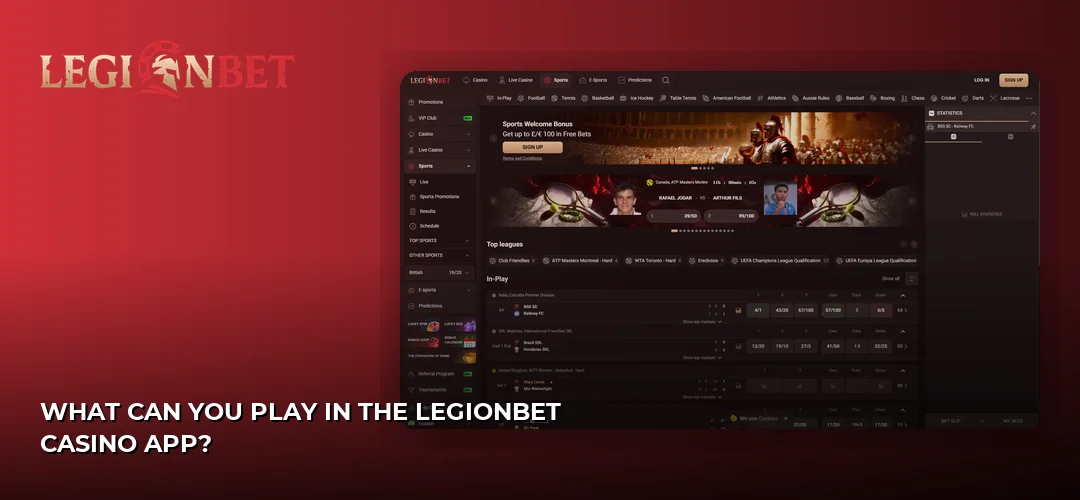
The mobile app pulls the same library as the desktop site — a large slots collection plus live dealer tables, with no separate mobile-only catalogue. Casino Guru lists 1,500+ titles, while the operator’s own UK site advertises a 7,000-game collection and its marketing elsewhere claims far higher figures, so treat the headline count with caution.
Slots and Live Casino on a Phone
Studios named for the library include Pragmatic Play, NetEnt, Play’n GO, Nolimit City, Hacksaw Gaming and Microgaming, with Evolution Gaming supplying the live dealer side. That mix works well on a handset for a simple reason: those studios build in portrait mode first, so reels fill the screen, the spin button sits under your thumb and paytables open as overlays rather than forcing you to rotate. Nolimit City and Hacksaw Gaming releases in particular are designed around one-handed play, and Pragmatic Play’s tap-and-hold turbo spin translates neatly to touch.
Live tables from Evolution Gaming are the heaviest thing you will run on mobile. The video stream drops to a lower bitrate on a weak signal and the betting grid collapses into a scrollable strip, which keeps a roulette table usable on a phone screen but does make crowded side-bet layouts fiddly. Wi-Fi beats mobile data here every time, and a dropped connection mid-hand is the one scenario where the browser route and the app route feel equally exposed.
Betting on Sport From the App
The sportsbook sits inside the same mobile interface and uses the same balance, so you can move between slots and a bet slip without logging out. Full detail is here: LegionBet sportsbook.
How Well Does the App Perform Day to Day?
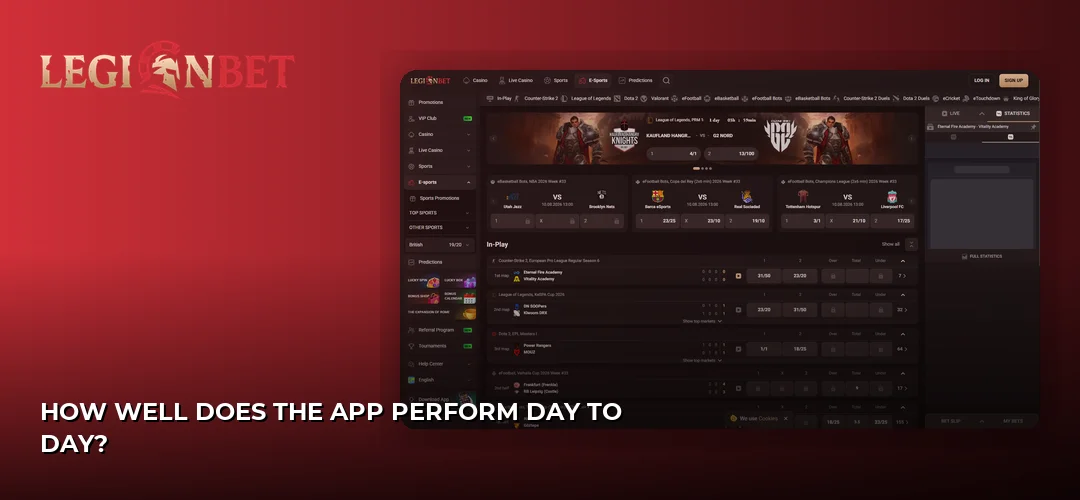
Because both mobile routes are built on the same web platform, performance depends far more on your connection than on which version you installed. Slots load through the provider’s own servers, so a game that is slow to open on Wi-Fi is usually slow for everyone rather than a fault in the app. Navigation follows the familiar casino pattern: a hamburger menu for categories, a persistent search field for finding a specific title, and the cashier one tap from the account icon. The sidebar Download App icon that starts the whole process is the same element you will use later to reach promotions and support.
Interface, Navigation and Verification on Mobile
The part of the mobile experience that genuinely benefits from being on a phone is verification. Account verification is required before you can withdraw, and doing it from a handset means photographing your driving licence or passport, your bank account statement or utility bill and your card or crypto wallet directly, then uploading without the email-it-to-yourself dance. The operator site states accounts are usually verified in under 3 hours and offers 20 free spins for completing verification, so it is worth clearing before your first withdrawal request rather than after.
Bonuses You Can Claim From Your Phone
Promotions are not app-exclusive — the same offers appear on mobile and desktop, and you enter codes in the cashier either way. The reported welcome package is 250% up to £13,000 + 300 Free Spins across three deposits, using codes 1LB, 2LB and 3LB, with a reported 40x wagering requirement on the bonus amount, a 7-day clearance window per tier and a £20 minimum qualifying deposit at every stage. Each tier must be cleared before the next can be claimed. Terms, spins and the full breakdown live here: LegionBet welcome bonus.
Where the Mobile Experience Wins and Where It Falls Short
- Works for you: one set of credentials across app and site; Apple Pay and Google Pay make depositing a two-tap job; documents upload straight from the camera; live chat is available 24/7 inside the app; iOS route needs no sideloading at all.
- Works against you: no marketplace listing means no store-level vetting and manual reinstalls on Android; the operator holds no UKGC licence, so there is no UK dispute route from your phone or anywhere else; Apple Pay, Google Pay and iDEAL take deposits but cannot pay you out; support has no telephone option.
Frequently Asked Questions about LegionBet
Does LegionBet Have a Mobile App?
Yes. The operator offers an Android app installed from an APK file on its own website, plus a PWA version that iPhone and iPad users add to the home screen. One review source describes the mobile product as browser-only PWA with no native app, so expect something close to the mobile site in a full-screen window.
How Do I Download LegionBet APK for Android?
Open the casino site in your Android browser, tap the Download App icon on the left sidebar and choose the Android link. Allow your browser to install unknown apps in Android settings, open the downloaded file, confirm the install, then sign in with your usual email and password.
Is There a LegionBet App for iPhone?
Not as a marketplace download. iOS users open the casino in Safari, tap the share button and select Add to Home Screen, which saves the PWA version as a full-screen icon. Your existing login, the cashier, verification uploads and live chat all work inside it exactly as on desktop.
Can I Claim Bonuses Through the LegionBet App?
Yes, and the offers are identical to the desktop ones. You enter promo codes 1LB, 2LB and 3LB in the mobile cashier for the reported 250% up to £13,000 + 300 Free Spins welcome package across three deposits, with a £20 minimum qualifying deposit at each of the three stages.
What Games Are Available on LegionBet Mobile?
The app serves the same library as the site: slots from Pragmatic Play, NetEnt, Play’n GO, Nolimit City, Hacksaw Gaming and Microgaming, live dealer tables from Evolution Gaming, and the sportsbook on the same balance. Casino Guru lists 1,500+ titles while the operator’s UK site advertises a 7,000-game collection.
Is the LegionBet App Safe to Download?
The APK from the operator’s own domain is the file the casino publishes, and its permissions are limited to storage, camera and network for document uploads. The regulatory picture is weaker: no UKGC licence, only a reported Costa Rica corporate registration, a 2.4/10 Casino Guru Safety Index and 14,478 black points.
You have the download routes, the permissions checklist and the licensing reality — the last step is deciding whether an offshore casino with no UK dispute pathway belongs on your home screen. If you are comfortable with that trade-off, head to the operator and grab the app from the source.